

PWA App
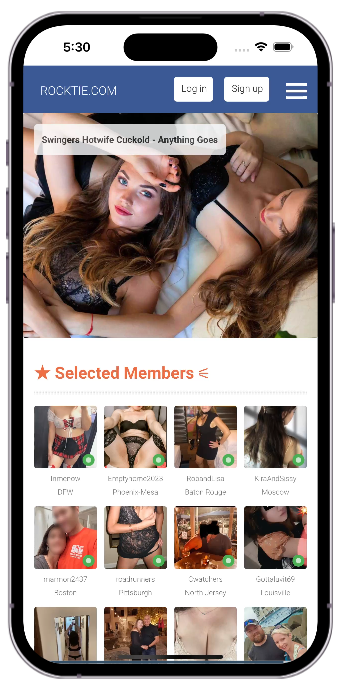
Add the Rocktie PWA App on your mobile device for a faster and more enjoyable experience.
For iOS / iPhone:
1. Open Safari and go to Rocktie.com.2. Tap the Share icon — the square with an arrow.
3. Tap Add to Home Screen.
4. Tap Add to confirm.
5. Open Rocktie from the new app icon on your Home Screen.
You’ll now see the Rocktie app icon on your Home Screen — tap it anytime to launch Rocktie like an app.
For Android Devices:
1. Open Chrome and go to Rocktie.com.2. Tap the three dots menu in the top-right corner.
3. Tap Add to Home screen or Install app.
4. Tap Add or Install in the confirmation popup.
Rocktie is now installed — launch it from your Home Screen like any app.
Important: After installing, open Rocktie from the Home Screen app icon. When prompted, tap the Subscribe or Allow button to receive mobile alerts from members.